
The Rode Wireless Go II is a compact, wireless microphone system that makes capturing clear audio simple for interviews, presentations, podcasts, and video projects. You might choose the Wireless Go II when you need freedom of movement, professional-quality sound, and the ability to record directly to the receiver or internal recorders. It’s ideal for classroom projects, campus events, or any situation where mobility and clear audio are important.
This tutorial will help you get started with the Rode Wireless Go II. Follow the steps below to set up, pair, and record high-quality audio.
1. Getting Started
- Charge devices fully before first use using the included USB-C cables
- Turn on each device by pressing and holding the power button until the lights on the device come on

2. Pairing the Transmitters and Receiver
- The transmitters and receiver should automatically pair, but check the receiver’s display for connection status
- If needed, manually pair by holding the pairing button on each device until the connection is confirmed
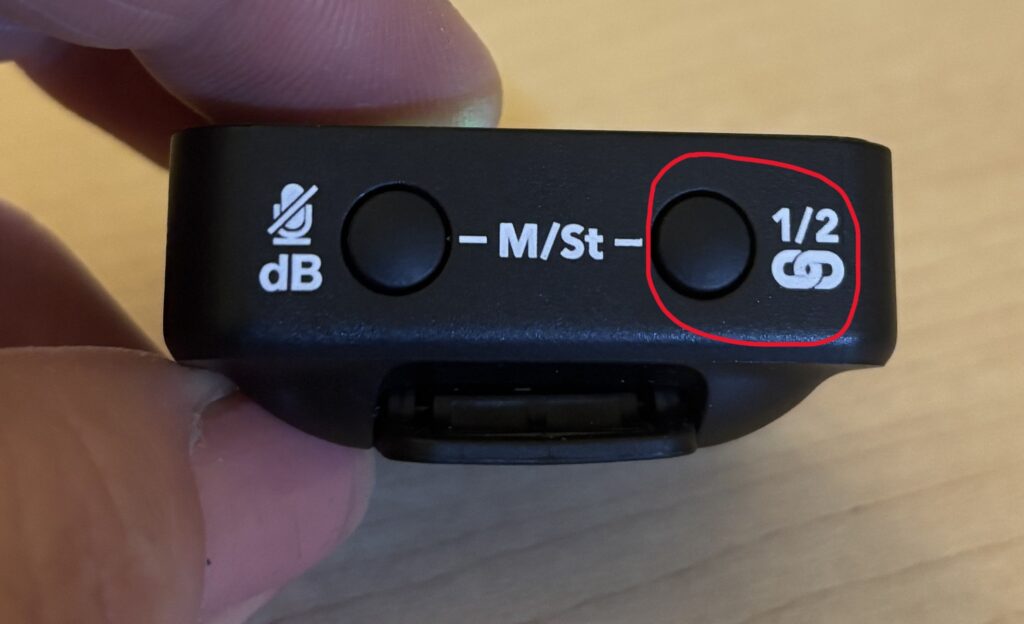
3. Connecting to Your Camera or Device
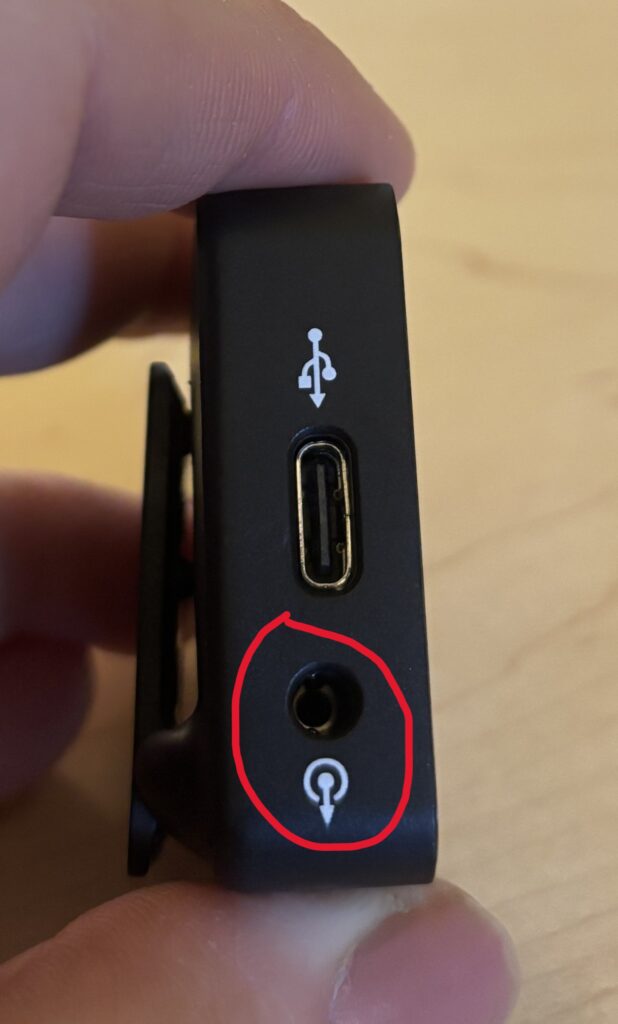
- If using a camera, connect to your camera’s audio (mic) jack with a TRS cable and adjust your camera’s audio settings so the audio comes primarily from the mic
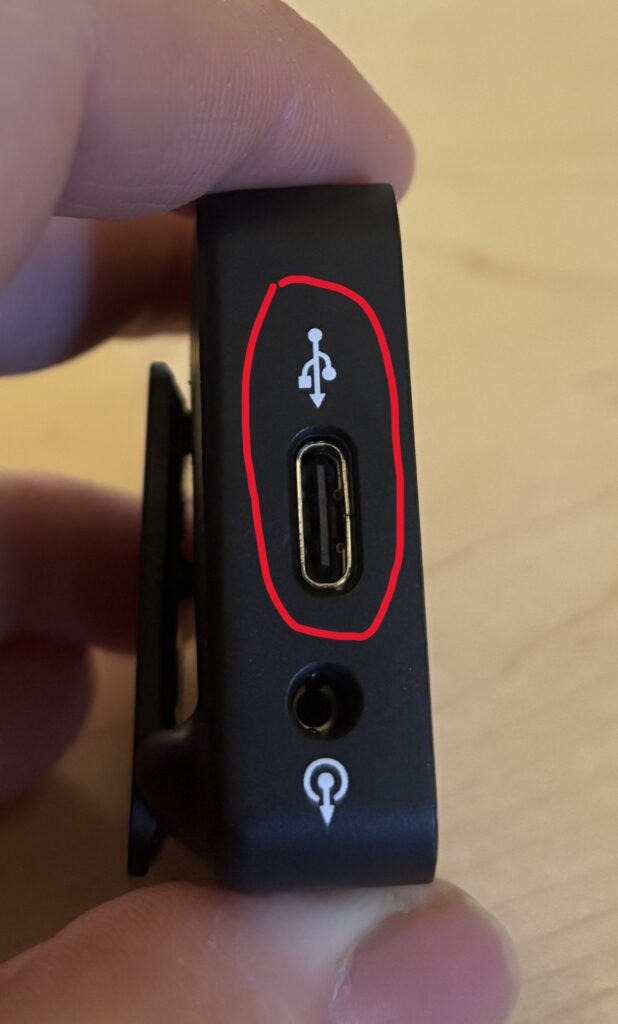
- If using a phone, connect the receiver to your phone from the USBC port. Once connected, the mic should automatically work. This can be tested through any voice recorder app (i.e. Voice Memos or Voice Recorder)
4. Attaching the Wind Screens
- To attach the wind screen to the transmitter, simply align the circles and turn
5. Using Rode Central
- If desired, you can download the Rode Central app on any device for more controls
6. Recording Audio
- Clip the transmitter to your subject
- Press the record button on your device
- Monitor levels on the receiver’s display and ensure the receiver stays nearby to the transmitter
Helpful Tips
- Always do a quick sound check before recording critical audio
- Keep transmitters within range (up to ~200m or ~650ft line-of-sight) of the receiver
- Be aware of the battery levels as each transmitter (mic) should last for roughly 7 hours
- Avoid placing transmitters near strong electronic interference
- Use the included windshields outdoors to reduce wind noise
You’re Ready to Record
The Rode Wireless Go II makes it easy to capture clear, professional audio without being tethered to your camera. Start with simple setups, monitor your levels, and explore wireless recording for presentations, interviews, or creative projects. With practice, you’ll get crisp, reliable audio every time.
The below video provides a walkthrough of getting started using the Rode Wireless Go II.