Category: News & Events (Page 8 of 13)

Halloween Costume Creation Workshop in the Makery


The Media Center Makery wants to help you get ready for Halloween. Come out to our workshop so we can help you create your Halloween Costume and props. We have a sewing machine, material, hot glues guns and other crafting supplies to get your started. If you have specific supplies needed, bring them along and our student assistants will help you with your creation. The Makery is open year round as a space for sewing and crafting (as well as 3d printing and programming) so drop in to continue working on your project during our open hours.

If you are looking for cheap material and other sewing/knitting supplies, check out the Carlisle Salvation Army Material Sale Friday October 9th and Saturday October 10th.

REVISED-mc-halloween

Farm Frolics and Student Activities

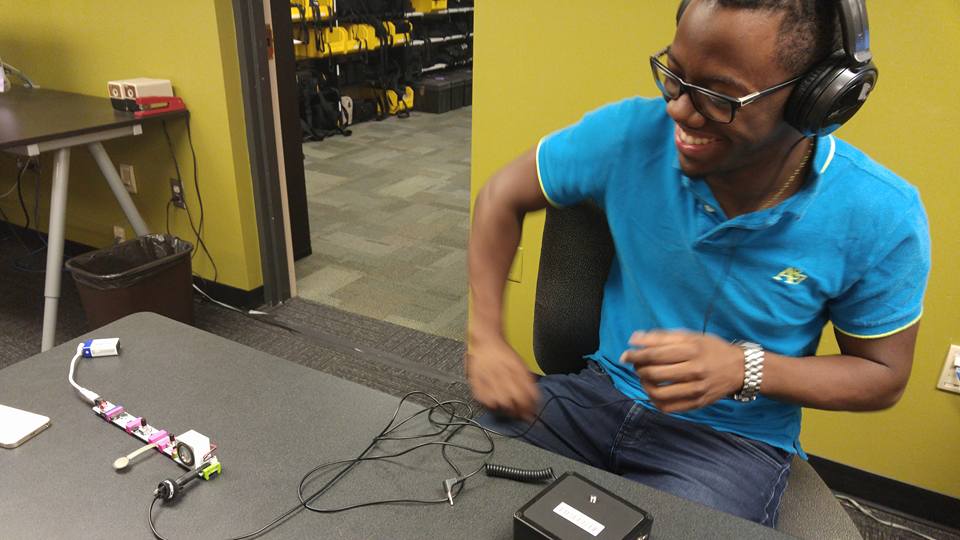
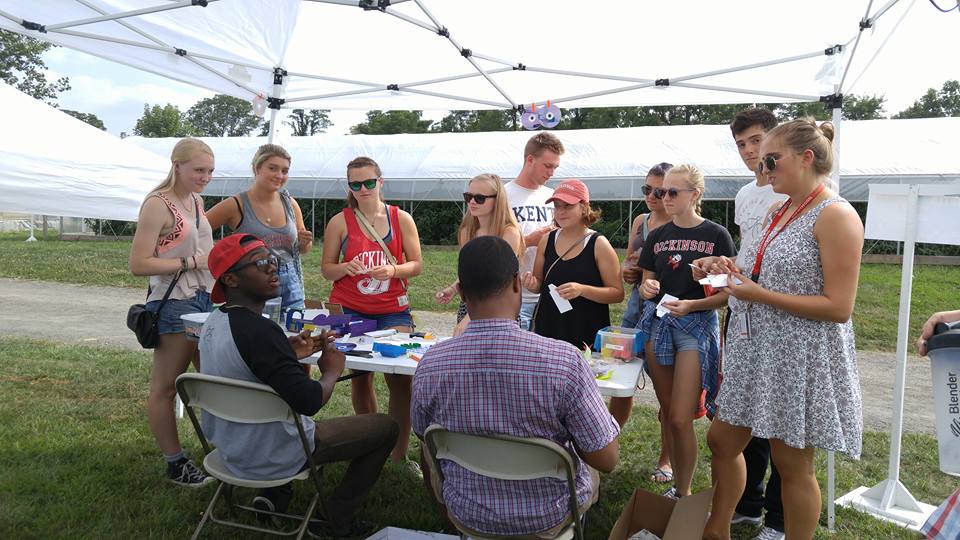
We had a fantastic time Farm Frolics at the Dickinson College Farm this weekend. Our MC Assistants, Greg, Edwin and Devlynn taught students how to make tiny, vibrating robots out of toothbrushes, paper flash lights, created a solar powered spin art machine using snap circuits, old CDs and colored sharpies. Thanks for getting us out of the basement and letting us play under the lovely sun on the farm. Our staff and creations are showcased well in this video!

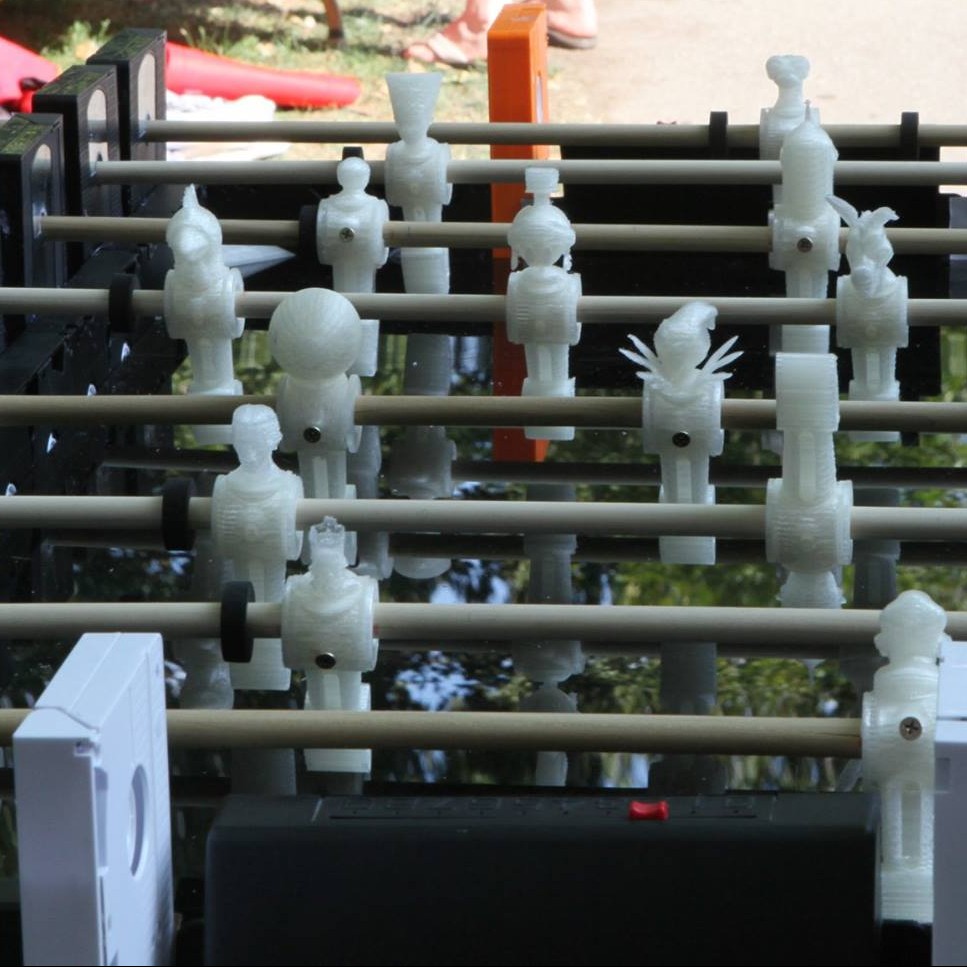
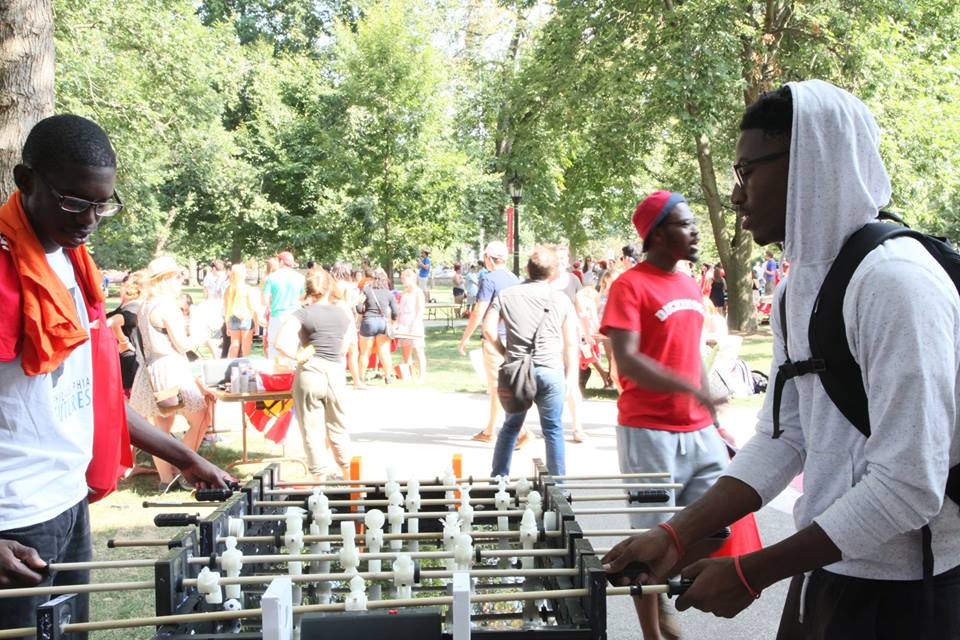
And on Sunday Sai and Bedurdin showed off our VHS foosball table at student activities night.

Farm Frolics Table Farm Frolics Table Student Activites NIght VHS Foosball

Willoughby Examples of Student Work


Physics 110

https://ensemble.dickinson.edu/app/sites/index.aspx?destinationID=a42HKKPxQEeAOUmDbFqZwg&contentID=spjabvtHU0ao0Yy09KdC2Q&pageIndex=4&pageSize=10


Global Economy


https://ensemble.dickinson.edu/Watch/Xm6a4YKw

Threads for Thought


Ad Campaigns

https://ensemble.dickinson.edu/Watch/Bk36StMs

https://ensemble.dickinson.edu/Watch/y7S4Gdc2


Fabulation

https://ensemble.dickinson.edu/Watch/m8MKa32Q


Community Video Project

https://drive.google.com/file/d/0BxZQpXkk1ViNelp3UHBjVTRaQzQ/view

Podcast Nooks Remodeled!


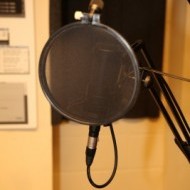
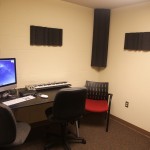
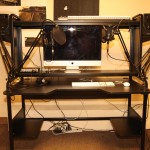
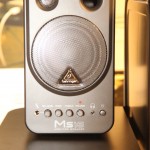
       Over the course of alumni weekend, the media center has remodeled the podcast nooks with new desks from Ikea, bringing a new look, along with a brand new recording set-up. Each podcast nook is equipped with new speakers, bass traps, and condenser mics. They also each have new guitar stands for anyone who brings in a guitar to play in the nooks. This new set-up will optimize the recording experience with easy-to-use speakers that allow you to not only control the output volume, but also control the input volume of any mic connected to them. They also have dials that can control the bass and treble in any sound that’s being listened to or recorded. There are also adjustable arms for the mics,which record in stereo. The new bass traps will help absorb excess sound which provides for higher sound quality. The rooms are perfect for working on group or individual projects that require higher sound quality and minimal interference.

Dickinson Makes March

Collage of locations This month we rolled out our Dickinson Makes initiative.  To helps us spread the word please use #dsonmakes hashtag on Instagram, Twitter, and Facebook when ever you are harnessing the maker spirit. Show us how you Make.

http://www.dickinson.edu/homepage/743/dickinson_makes

One piece

The Media Center is just one piece of Academic Technology checkout this years newsletter to see what we’ve been up to. http://www.dickinson.edu/homepage/633/academic_technology_newsletterPrint


Lite-Brite

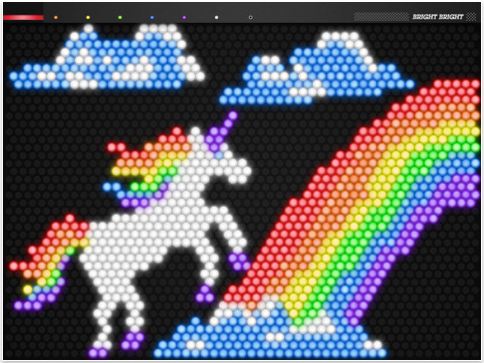
The lite-brite is a toy I’m sure we all remember from our youth.  The simple toy, composed of a back light, plastic shell, and a multi-holed interface for the insertion of plastic lights (the impetus for the namesake “light”).  The bright then ostensibly refers to the light waves given off by the refraction of incandescence through the translucent plastic pieces.

These pieces come in an array of natural colours, primary and secondary in order to let the viewer fixate on any artwork imaginable without being taken out of the experience due to a limited palette.  The lite brites themselves act as a mirror into what we truly want to create and thus perceive with something more than our minds eye- it must become real and thus is no longer seen as beautiful, but beautiful-seen.

The lite-brite was invented in 1967 as an obvious homage to skywriting, neon as an artifice of direction and enchantment, and the constant shifting of lighted-highway signs.  This amalgamation proved to be both a welcome opportunity for artistic advancement in those not naturally gifted, as well as an outlet for the inner light to be reflected in the warm visage of a child’s face.


Either way, Lite on you crazy diamond.

Tinkercad and Intuitive Design

With the rise in 3-d printing and the availability of such machines as an affordable outlet for design and creation with real world application has come the need for reasonable printing design emulators.  Sites like thingiverse and shapeways, hundreds of printing designs can be easily downloaded, and after running through the correct software, printed speedily and without hassle.  Some of these sites are limited to browsing currently existing designs, and Tinkercad hopes to fill the void between creation and dissemination.


Tinkercad is an online 3-d model planner used to create designs compatible with Makerware and other 3-d printing software.  Once the design is created it can be easily imported from tinkercad to these programs, and from there saved to an SD card or USB drive and loaded onto a printer.  The “workplane” looks like this:


Tinkercad workplane


From here comes the option of combining shapes, letters, and numbers to make nearly anything, within the boundaries of finite detail.  Some examples include:


Glasses-

tinkercad-rise-eyewearr-1152x720


Dice-

Screen-shot-DICE


And other useful and not-so-useful objects-

main-qimg-93c10e1ccd0d9cf0bd38e9ed2bf762b0


The Tinkercad software itself is quite intuitive and easy to use.  With dozens of tutorials built into the creator itself, grasping the basics and more advanced techniques with the program is both simple and fun.  It was straightforward and uncomplicated for me to quickly create complex objects from the limited but encompassing variety of 3d pieces provided.


After the designs are finalized, they can be easily saved and imported into Makerwrare.  After some quick formatting changes, they are sually ready to be printed on either our Makerbot I or Makerbot 5th generation machines.


Happy Making!


https://tinkercad.com/


« Older posts Newer posts »

© 2025 Dickinson College Media Center


Academic Technology services: GIS | Media Center | Language Exchange

Theme by Anders NorenUp ↑